
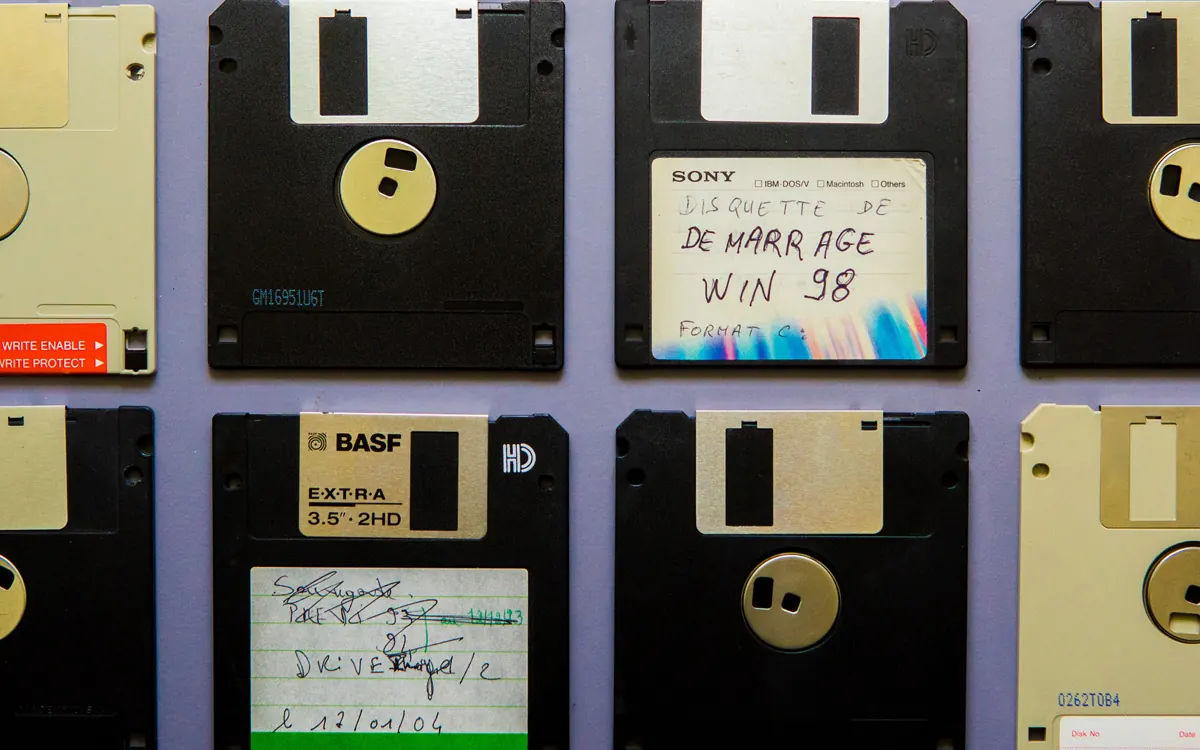
Almost every office has one: a desk drawer, a meeting-room cupboard or a box from a leaver's desk full of USB sticks, portable hard drives, SD cards and the odd card reader. Nobody remembers what is on them, so nobody throws them away. This guide covers how to gather that loose media, decide what can go, and dispose of it in a way you can prove later.
Why small media is a bigger risk than it looks
A laptop or server usually sits on an asset register, is encrypted and is retired through a process. Loose media rarely is. A USB stick might hold a full copy of a client database exported for a one-off job, scanned passports from an onboarding exercise, payroll spreadsheets taken home to finish over a weekend, or a backup someone made before a laptop was rebuilt. Portable drives are often used as informal backups, so a single drive can hold years of a team's files.
Because these devices are small, unlabelled and easy to pocket, they are also easy to lose. If one goes missing with personal data on it, that is a security matter under UK GDPR, and it may need to be assessed as a personal data breach. The simplest way to avoid that is not to keep media you no longer need.
Step 1: gather everything in one place
Pick a date and ask every team to hand in loose media rather than letting people sort through it at their own desks. Look in the obvious places and a few less obvious ones:
- desk drawers, pedestals and lockers, including those of people who have left;
- meeting rooms and presentation kit (sticks left in screens or lecterns);
- camera bags, dictation devices and old phones with memory cards still inside;
- the IT cupboard: spare drives, drives pulled from old PCs, drive caddies and docks with a disk still in them;
- reception and post rooms, where "found" sticks often end up.
Keep the collection in a lockable box or cabinet from the moment it is gathered. A pile of sticks on an open desk during a clear-out is exactly how one disappears.
Step 2: count it and write it down
Make a simple list before anything is checked or destroyed. Portable hard drives and SSDs usually have a serial number on the casing or label, so record it. Most USB sticks and memory cards have no visible serial, so record a description instead (brand, capacity, colour) and a total count by type, for example "37 USB sticks, 12 SD/microSD cards, 6 portable hard drives". That count is what you will reconcile against your certificate at the end, so take it seriously; a photo of each batch laid out on a desk is a useful extra record.
Step 3: check whether anything still needs keeping
Before you destroy anything, make sure it is not the only copy of something your business is required, or wants, to keep. Your retention schedule is the guide here: some records have to be kept for a set period, and some may be under a legal hold because of a dispute or claim. If a stick turns out to hold the only copy of records you must retain, move the data into your normal, controlled storage first, and only then add the stick to the destruction pile.
Checking needs care. Do it on one designated, up-to-date and protected machine, ideally by IT, rather than letting people plug unknown sticks into their own laptops. Unknown removable media is a well-known route for malware. If a stick is encrypted and nobody has the password, record it as "encrypted, contents unknown" and treat it as sensitive.
Most of the time the honest answer is that the data is either already held elsewhere or long past any reason to keep it. Keeping personal data longer than you need it is itself at odds with the storage limitation principle, so clearing out old media is part of meeting your data protection duties, not just tidying up.
Why deleting or formatting a stick is not enough
Deleting files or doing a quick format removes the file system's pointers to the data, not the data itself; recovery software can often bring it back. Overwriting is better on a traditional hard drive, but flash media such as USB sticks, memory cards and SSDs work differently. Their controllers spread writes across the memory (wear levelling) and keep spare and retired blocks that an ordinary overwrite cannot reach, so you cannot be confident every copy of the data has gone. Cheap sticks and cards also generally lack the built-in secure erase features that business SSDs offer.
For a box of low-value sticks and cards, wiping each one individually is slow and the result is hard to prove. Physical destruction is the practical answer: it is quick, it does not depend on the device working, and it covers damaged or dead items that could never be wiped. Portable hard drives can be erased and reused if you have a good reason, but for old or unknown drives destruction is usually simpler. Our guide to wiping, degaussing and shredding explains the differences in more detail.
Step 4: hand it over with a proper record
When you pass the media to a destruction provider, the handover should be checked against your list: the number of items by type, and serial numbers where there are any. After destruction you should receive a certificate that matches what you handed over. For items with no serials that means the counts and descriptions, so any shortfall is visible straight away. We explain what to look for in what a certificate of destruction should include.
Keep the certificate with your list and photos. If anyone later asks what happened to the media from that clear-out, you have a complete answer.
Stop the drawer filling up again
- Decide whether staff need removable media at all; many businesses now block it by default and allow exceptions.
- Where it is allowed, issue encrypted devices from IT and record who has them.
- Add removable media to your leaver checklist so sticks and drives are returned with the laptop.
- Keep a lockable "for destruction" box in the IT area and empty it on a regular schedule.
Need it collected?
Data Destruction London collects and destroys USB sticks, memory cards, portable drives and other storage from London businesses using government-approved methods, with a certificate of destruction for every job. See our data destruction service, book a collection online, or call 020 7064 4996.